Rental Overview

General usage
To render the Rental Overview, place this HTML on a specific part of the page:
<x-topi-rental-overview></x-topi-rental-overview>
And tell topi Elements about the contents of the cart using JavaScript:
topi.cartItems = [
  {
    price: {
      currency: "EUR",
      gross: 119000,
      net: 100000,
      taxRate: 1900,
    },
    quantity: 1,
    sellerProductReference: {
      reference: "muster1",
      source: "SAP",
    },
  },
  {
    price: {
      currency: "EUR",
      gross: 89900,
      net: 75546,
      taxRate: 1900,
    },
    quantity: 2,
    sellerProductReference: {
      reference: "muster2",
      source: "SAP",
    },
  },
];
Placements
This element is designed to be used on a single page:
- On the Payment selection page
Usage on Payment selection page
Exactly as described in General usage.
Possible states
| State | What it looks like rendered |
|---|---|
| Cart can be checked out with topi |  |
| Cart has items that cannot be checked out with topi or has non-rentable (purchase-only) items |  |
Toggling behaviour
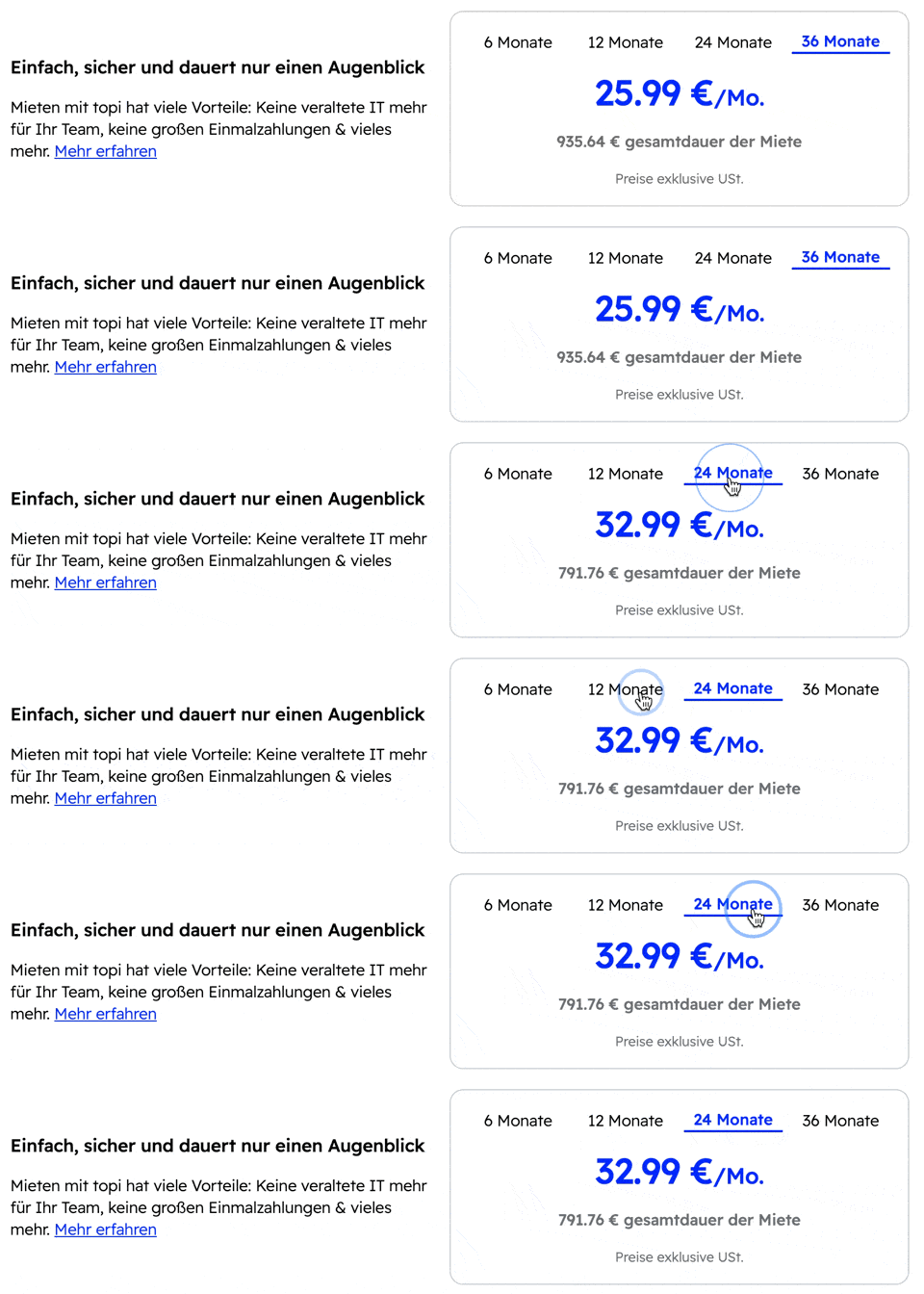
Price calculations
The rental prices are grouped into the rental tenures (e.g. 6, 12, 24, 36 months). For example, if these were in the cart:
- Item A
- 6 months price: 600
- 12 months price: 300
- 24 months price: 150
- 36 months price: 100
- Item B
- 6 months price: 6000
- 12 months price: 3000
- 24 months price: 1500
- 36 months price: 1000
Then the aggregated prices shown in the element under each tenure toggle will be calculated as follows:
- 6 months: 600 + 6000 = 6600
- 12 months: 300 + 3000 = 3300
- 24 months: 150 + 1500 = 1650
- 36 months: 100 + 1000 = 1100
Options
themeConfig.primaryColor
You can configure the primary color that is used in the Rental Overview at time of instantiation of the library:
const topi = new TopiElements({
  themeConfig: {
    primaryColor: "#002bff",
  },
});